Creator Finance OS — Lite
Track creator income, expenses, and monthly profit in one Notion workspace. The Lite version covers revenue and expense logging so you can see where your money actually goes.
Every flagship system has a free Lite version — the real thing, not a screenshot tour or a locked demo. Download it, use it for as long as you like, and upgrade only if you want the full system. No catch.
Five Notion systems for running the business side of a creator career — finances, content, clients, launches, and products. Each Lite version is a working slice of the full OS. Start free; upgrade to the $19.99 full version when you outgrow it.
Track creator income, expenses, and monthly profit in one Notion workspace. The Lite version covers revenue and expense logging so you can see where your money actually goes.
Plan and track content without the chaos. The Lite version gives you a content library and pipeline so ideas stop living in seven different apps.
A CRM built for creators — brand deals, leads, and clients in one place. The Lite version covers contacts and deals so nothing slips through the cracks.
Plan a product launch without forgetting half of it. The Lite version gives you the core launch checklist and timeline to ship without the scramble.
Keep track of every file, listing, and version of your digital products. The Lite version covers your product catalog so you always know what shipped where.
Prefer Excel or Google Sheets? These Lite workbooks are free, fully functional starting points. Upgrade to the full multi-tab system when you want the dashboards, automation, and extra tabs.
A free slice of the 23-tab budget system. Track monthly income and expenses in Excel or Google Sheets, then upgrade for the full dashboard, debt payoff, and net worth tracking.
A free starting point for the 15-tab home buying system. Run the core affordability numbers before you talk to a lender, then upgrade for full mortgage comparison and amortization.
Twelve free browser utilities — no signup, no email, no ads. They run entirely on your device and stay free, forever.
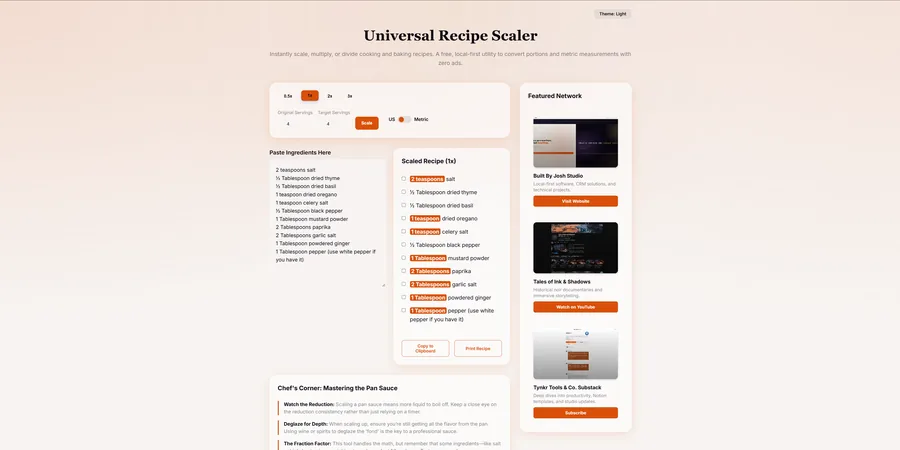
Scale any recipe up or down and convert US imperial to metric instantly. Paste the ingredients, set your serving count, done.
Open the Recipe Scaler →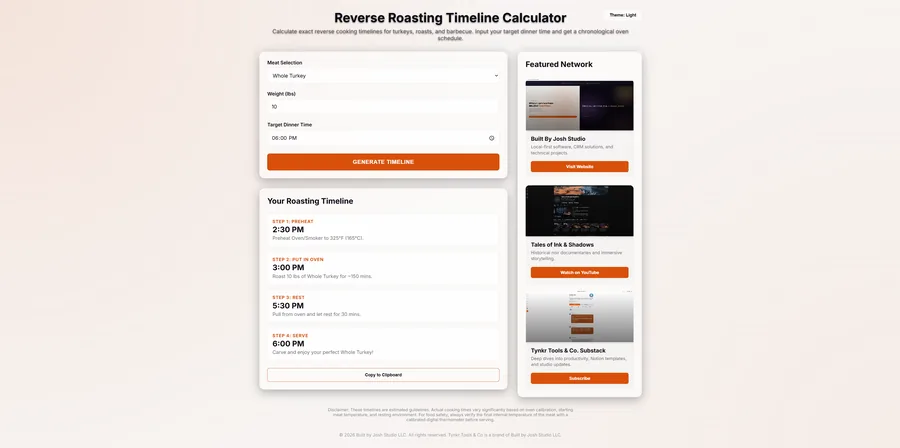
Enter the protein, weight, and target dinner time — get the full backward schedule: when to preheat, cook, rest, and serve.
Open the Calculator →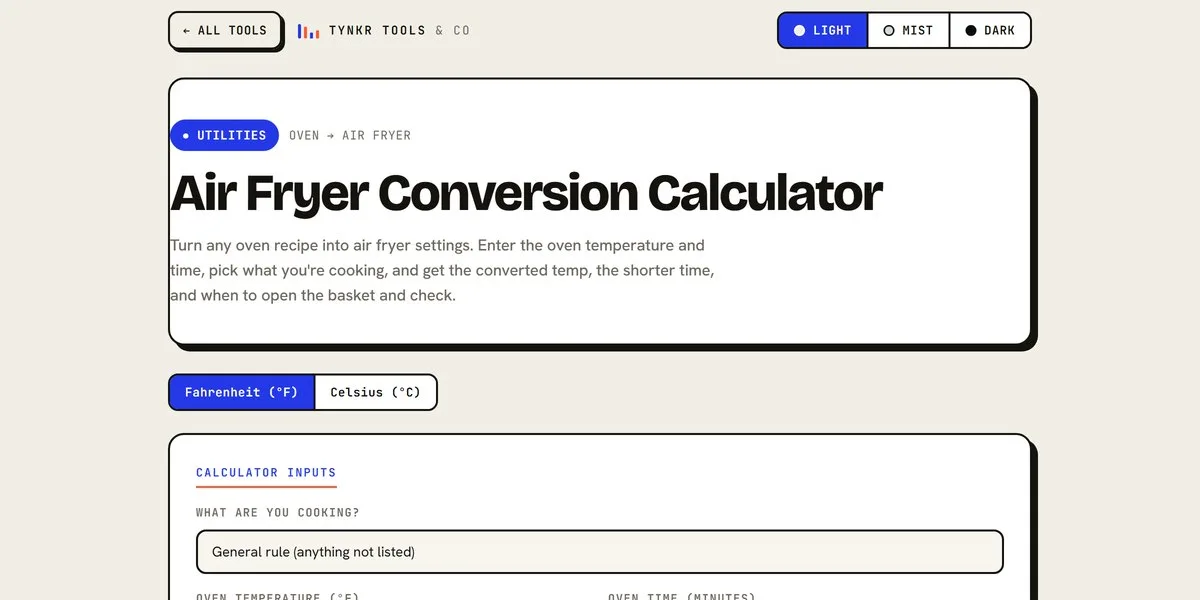
Convert any oven recipe to air fryer settings — temperature, time, and when to check, tuned by food type. Fahrenheit or Celsius.
Open the Air Fryer Converter →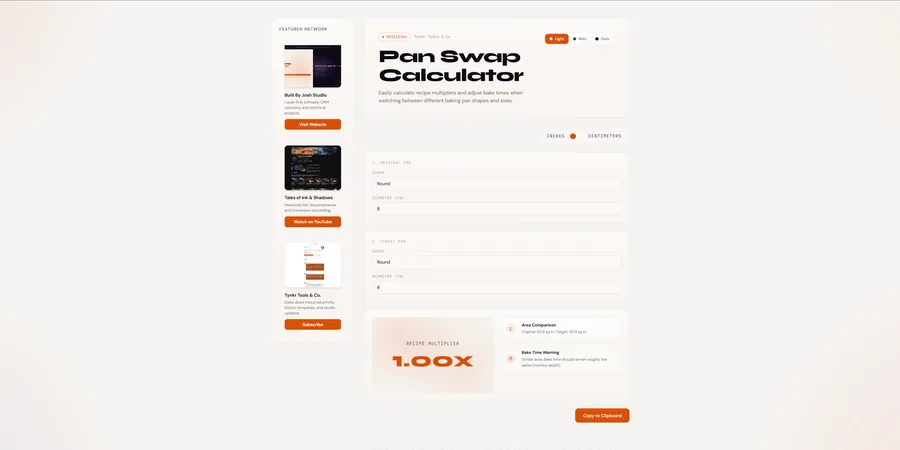
Pick the pan a recipe calls for and the pan you actually own — square, round, rectangle, muffin tin, or Bundt — and get the exact ingredient multiplier plus a bake-time warning.
Open the Pan Swap Calculator →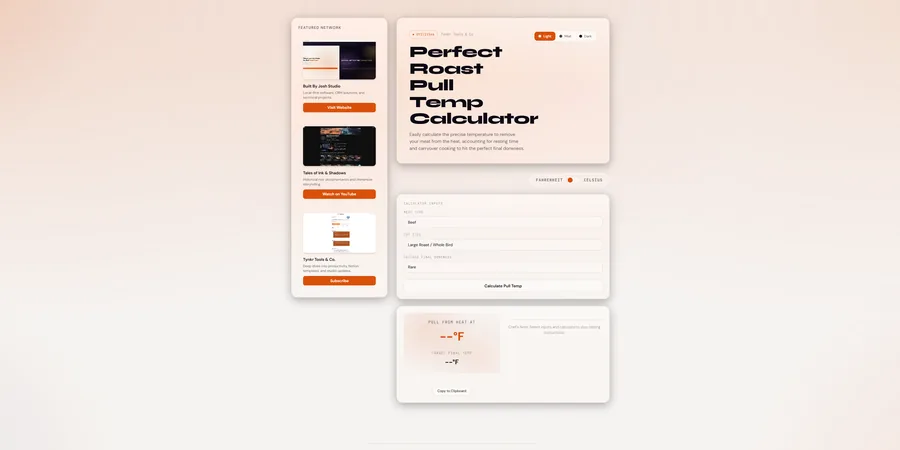
Pick the meat, the cut size, and your target doneness — get the exact temperature to pull from the heat, with carryover and resting handled for brisket, duck, venison, and delicate fish.
Open the Pull Temp Calculator →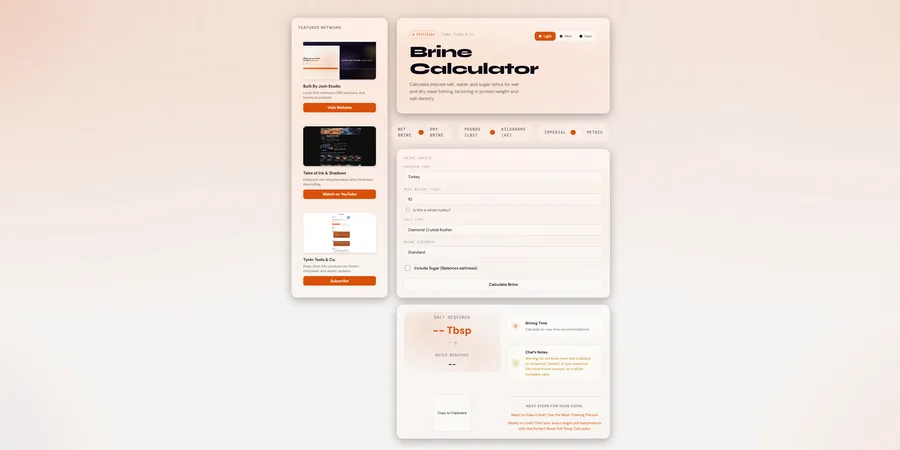
Calculate precise salt, water, and sugar ratios for wet and dry meat brining, factoring in protein weight and salt density.
Open the Brine Calculator →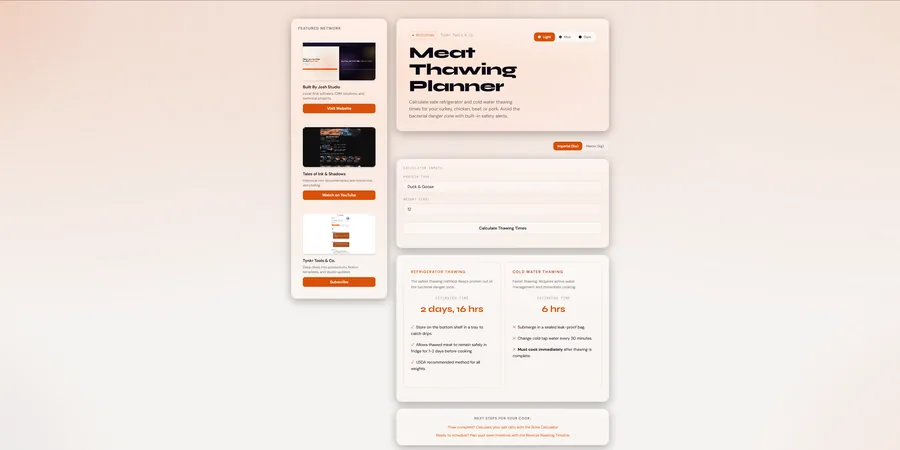
Safe thawing timelines for any frozen protein — fridge and cold water methods, real thermal math, USDA-compliant, with built-in food safety guardrails.
Open the Thawing Planner →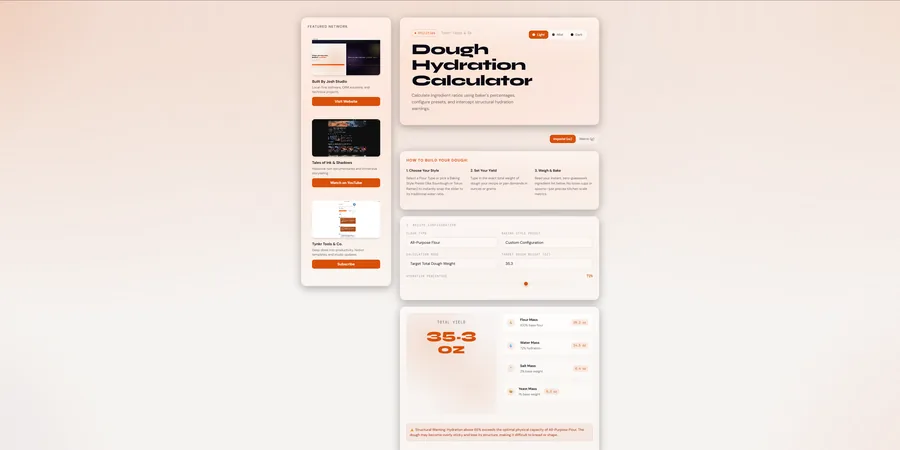
Baker's percentages for bread, pizza, pasta, and noodles — 11 flour types, 6 traditional style presets, flour-specific absorbency warnings, kansui math for ramen, and egg conversion for fresh pasta.
Open the Dough Calculator →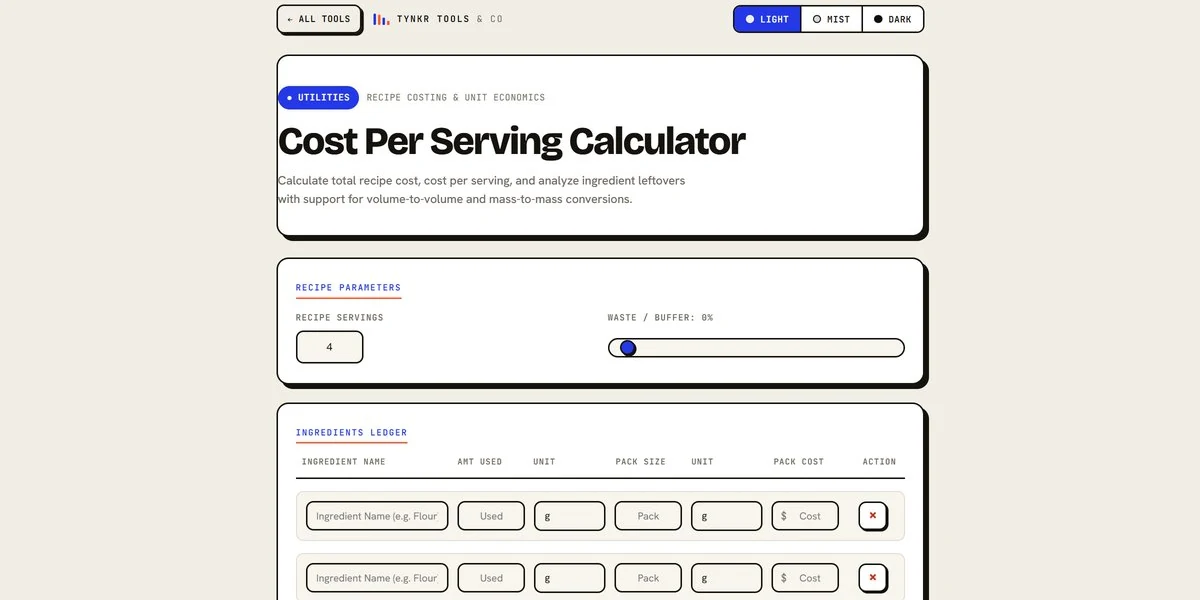
Enter your ingredients with amounts, pack sizes, and prices — get the total recipe cost, the cost per serving, and how much of every pack is left over, with automatic unit conversions.
Open the Cost Calculator →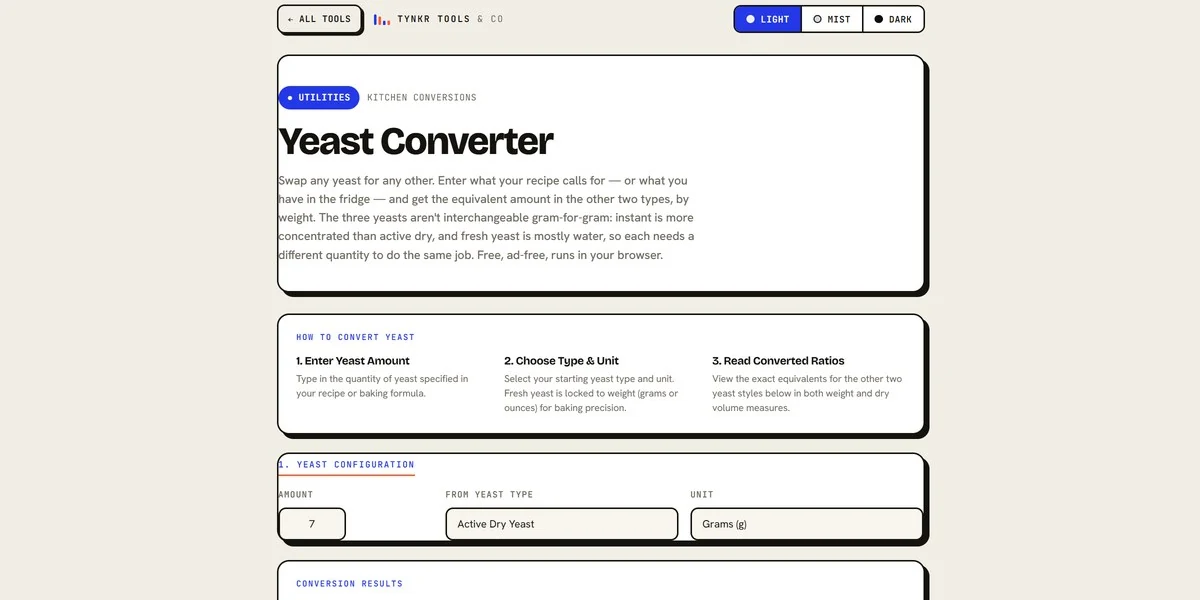
Convert between Active Dry, Instant, and Fresh yeast — grams, ounces, teaspoons, and packets — with automatic weight guards so every swap stays accurate by weight.
Open the Yeast Converter →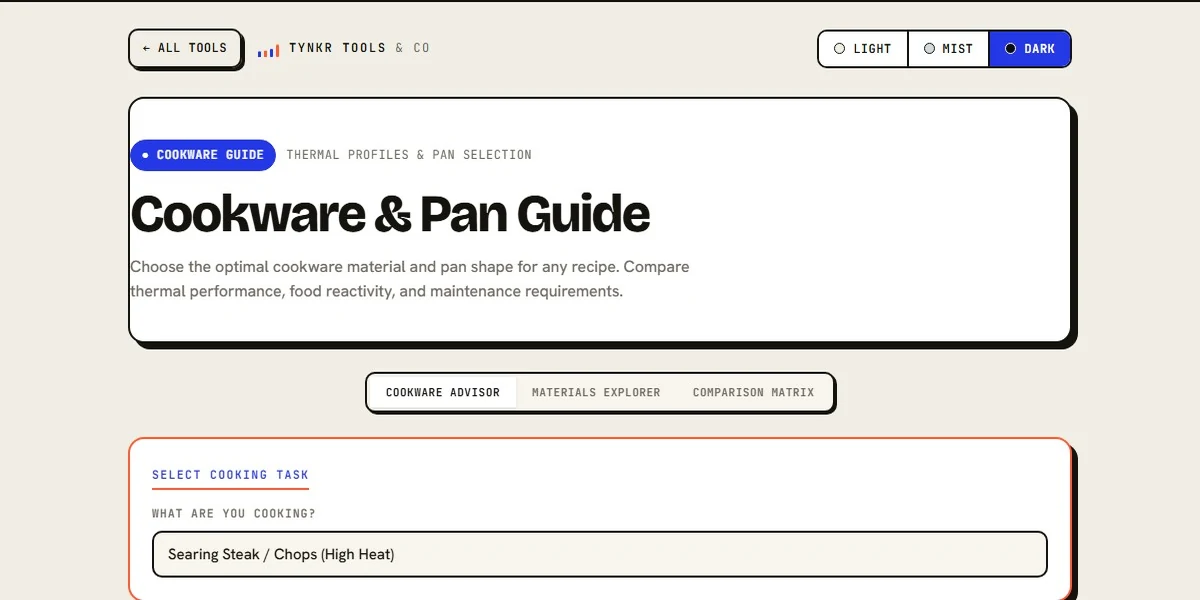
Choose the best cookware material and pan shape for any cooking task. Explore thermal profiles, acid safety, and induction compatibility.
Open the Cookware Guide →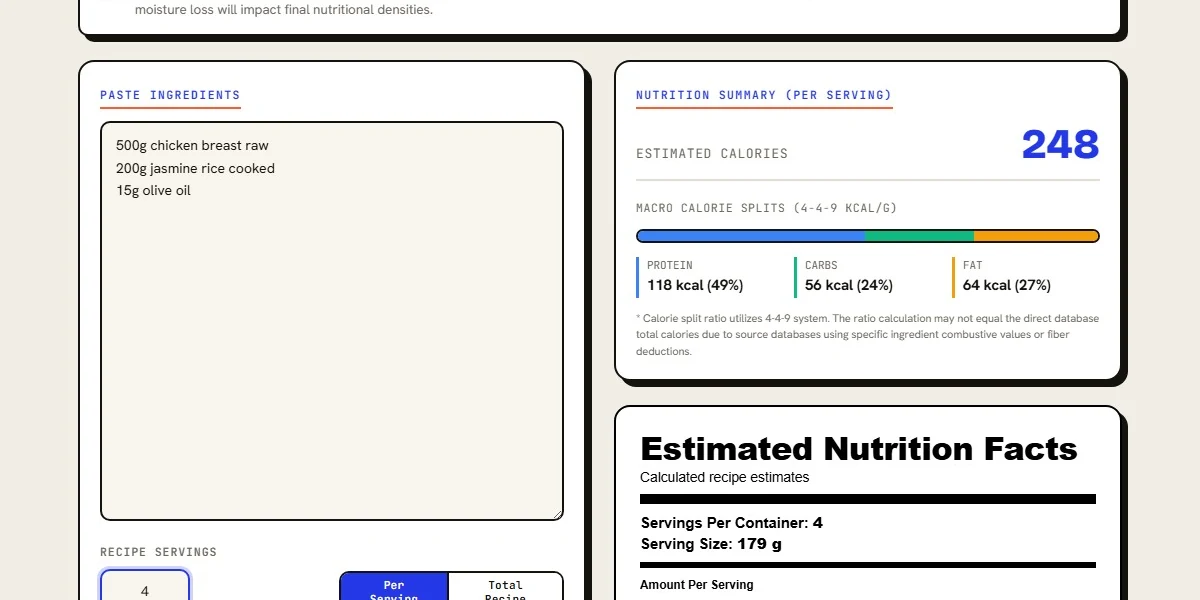
Estimate per-serving calories, macro splits, and generate an Estimated Nutrition Facts label from pasted recipe text.
Open the Nutrition Calculator →Twelve free money & business tools — take-home pay, freelance rates, debt payoff, budgeting, invoicing, loans, savings, home affordability, and self-employment taxes. No signup, no email, no ads. They run entirely in your browser.
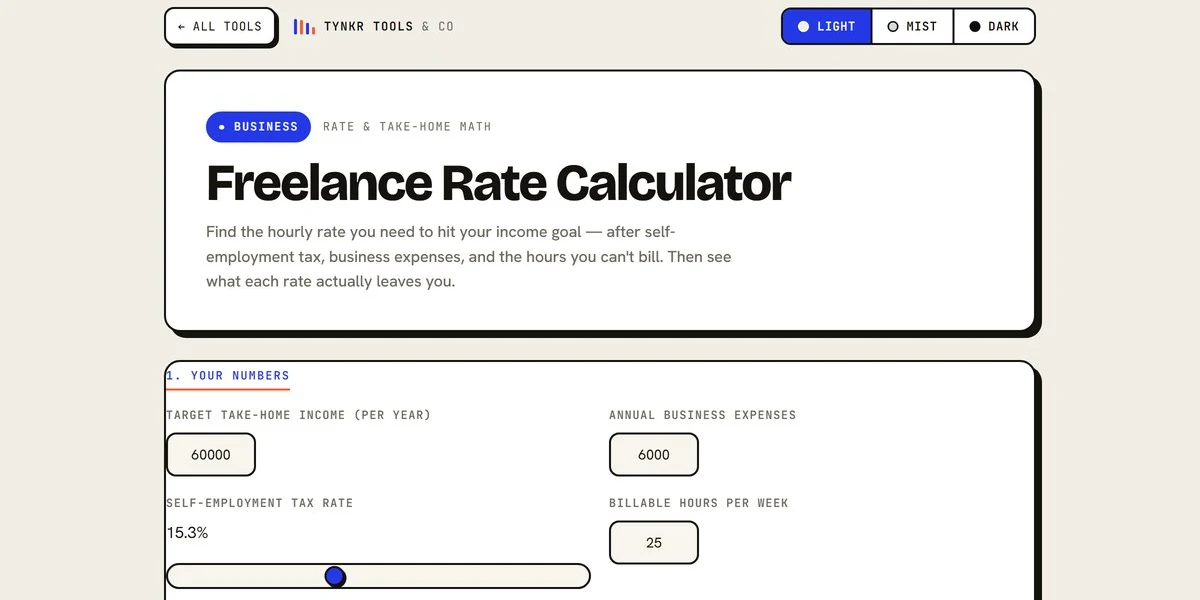
Find the hourly rate you need to hit your income goal — after self-employment tax, business expenses, and the hours you can't bill.
Open the Rate Calculator →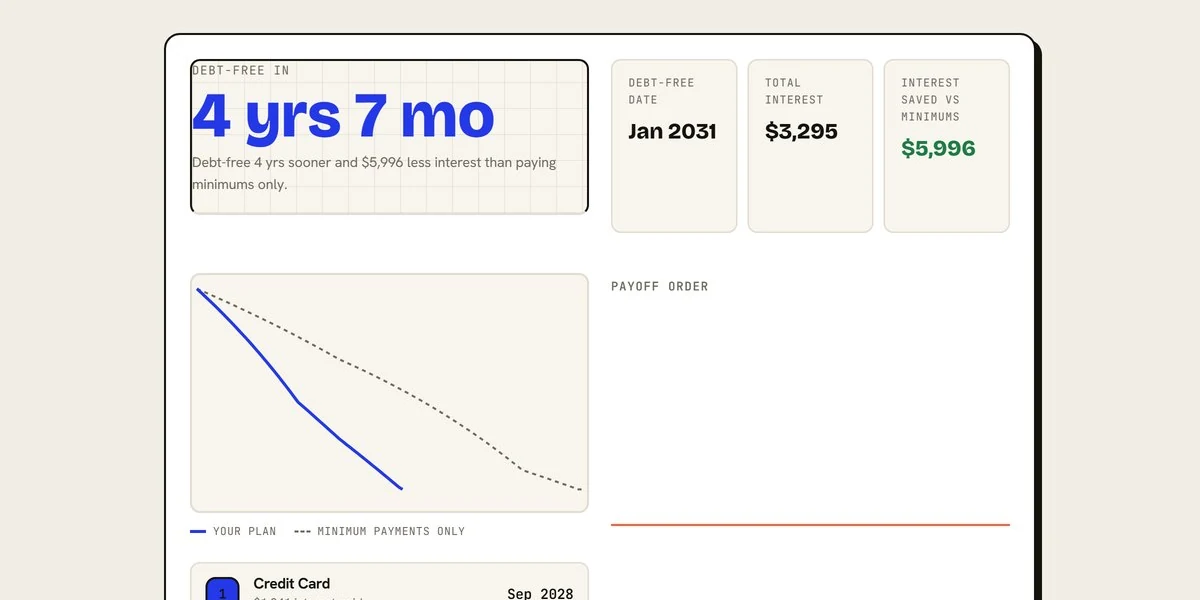
Compare snowball, avalanche, and hybrid payoff plans — get your debt-free date and the total interest you'll save.
Open the Debt Calculator →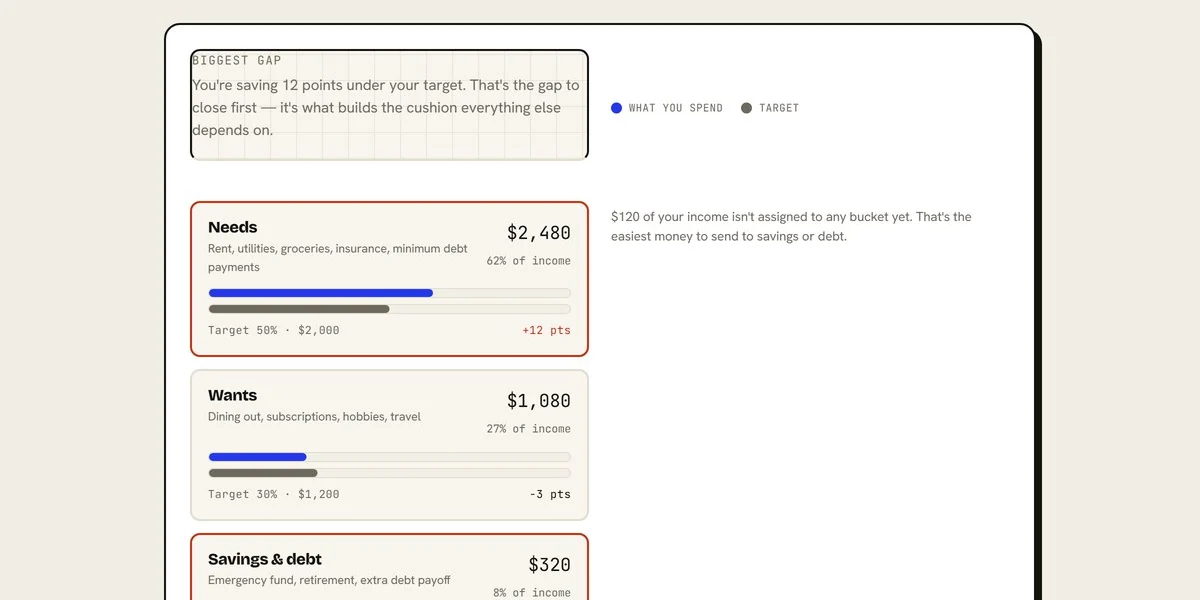
See your 50/30/20 split — ideal vs. actual spending — with category targets you can adjust to fit your life.
Open the Budget Calculator →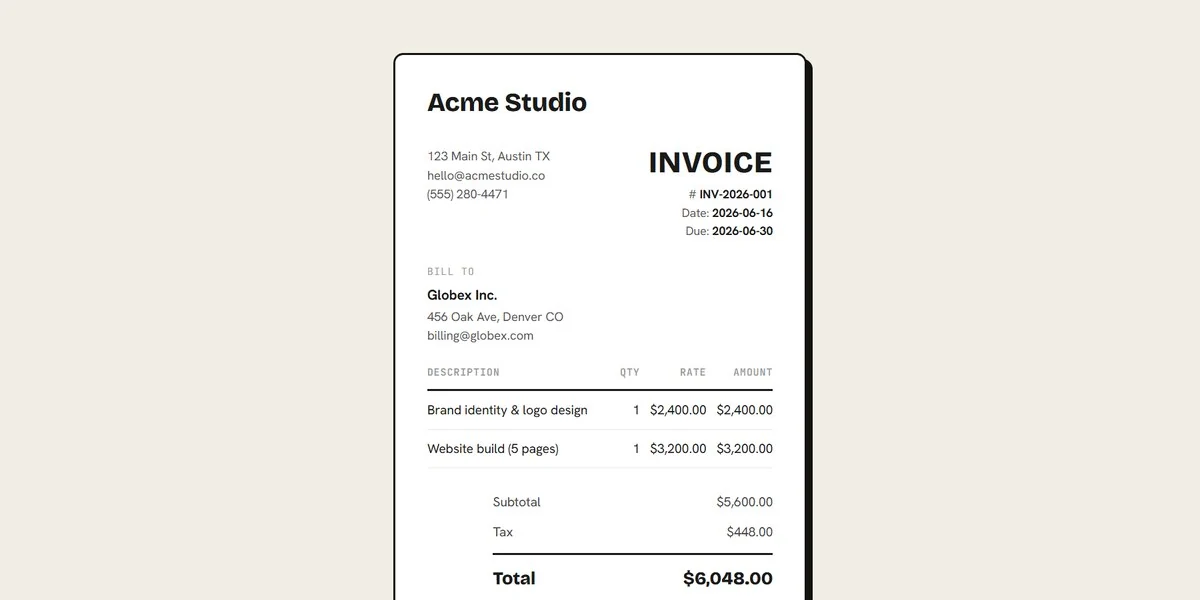
Build professional invoices with letterhead, line items, and tax, then print or save them as a PDF.
Open the Invoice Generator →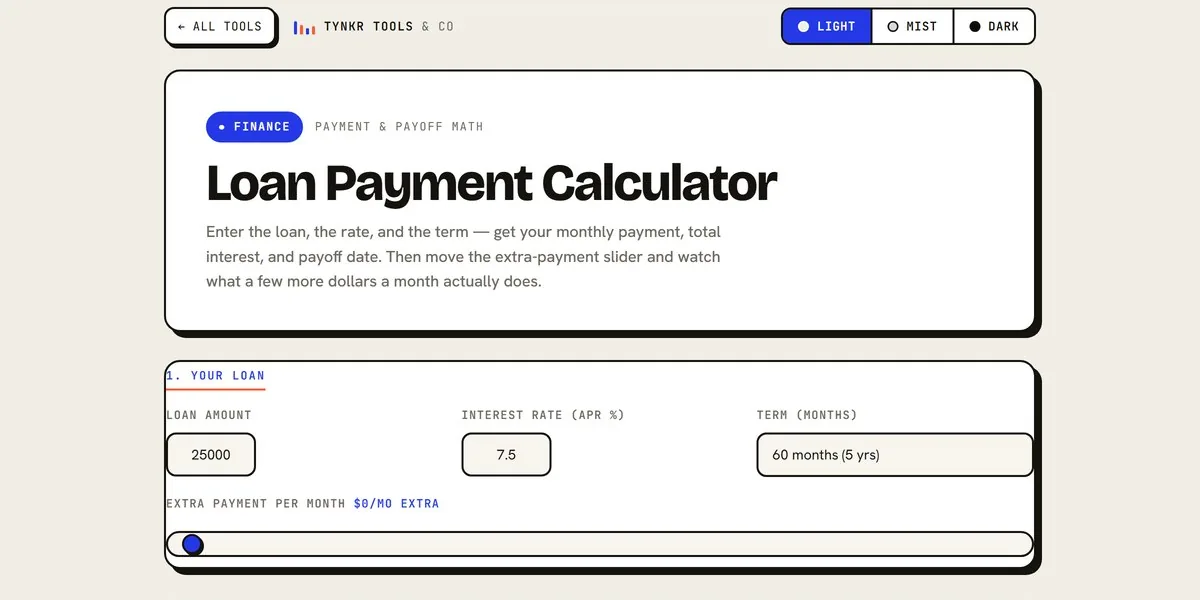
Enter the loan, rate, and term — get your monthly payment, total interest, and payoff date, plus what extra payments save you.
Open the Loan Calculator →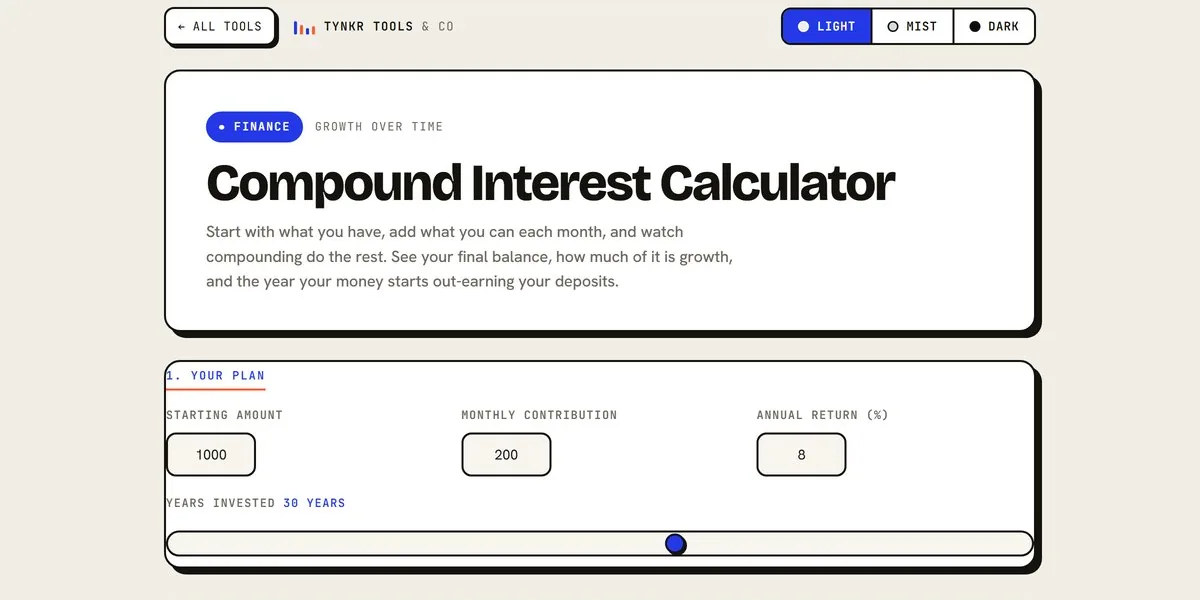
Start with what you have, add what you can monthly, and watch compounding do the rest — including the year growth out-earns your deposits.
Open the Interest Calculator →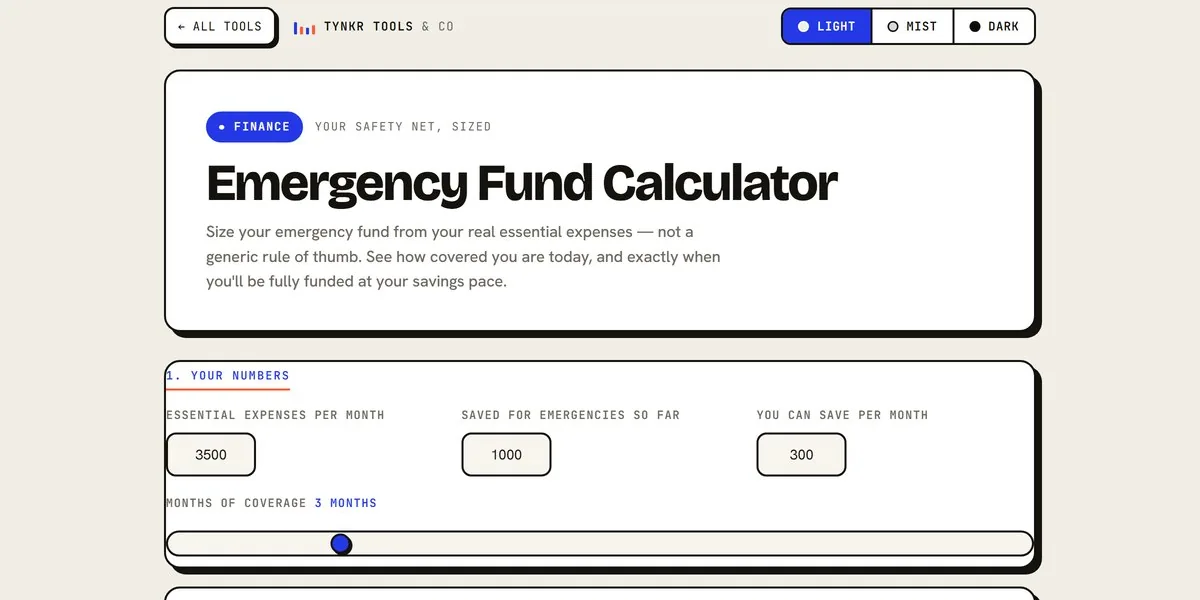
Size your emergency fund from your real essential expenses — see how covered you are today and when you'll be fully funded.
Open the Fund Calculator →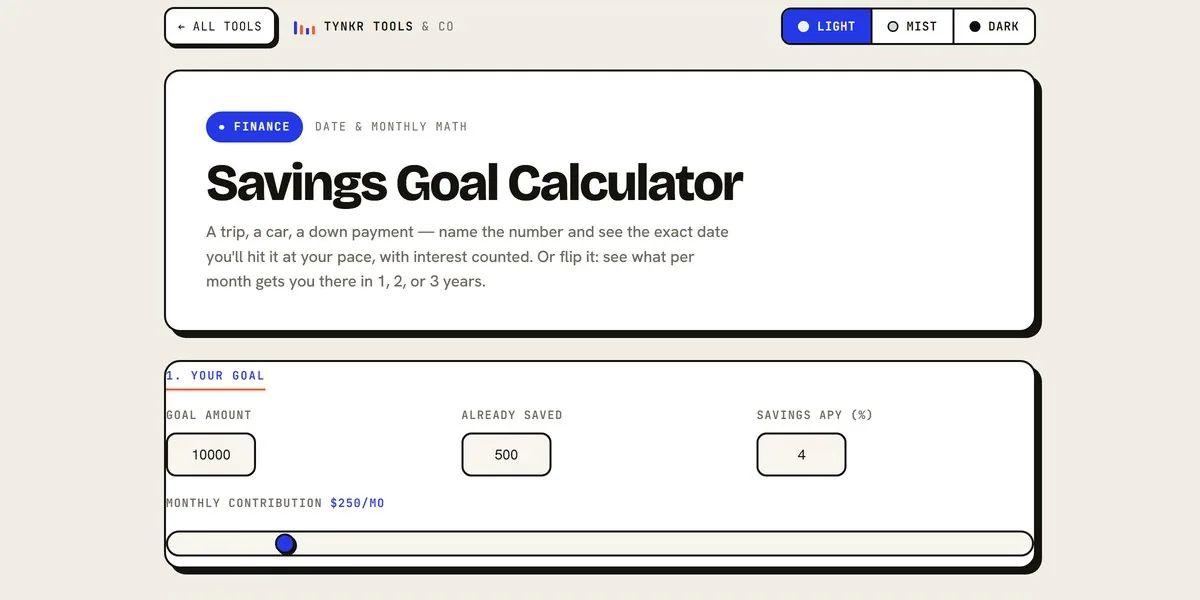
Name the number and see the exact date you'll hit it at your pace, with interest counted — or flip it and solve for the monthly amount.
Open the Savings Calculator →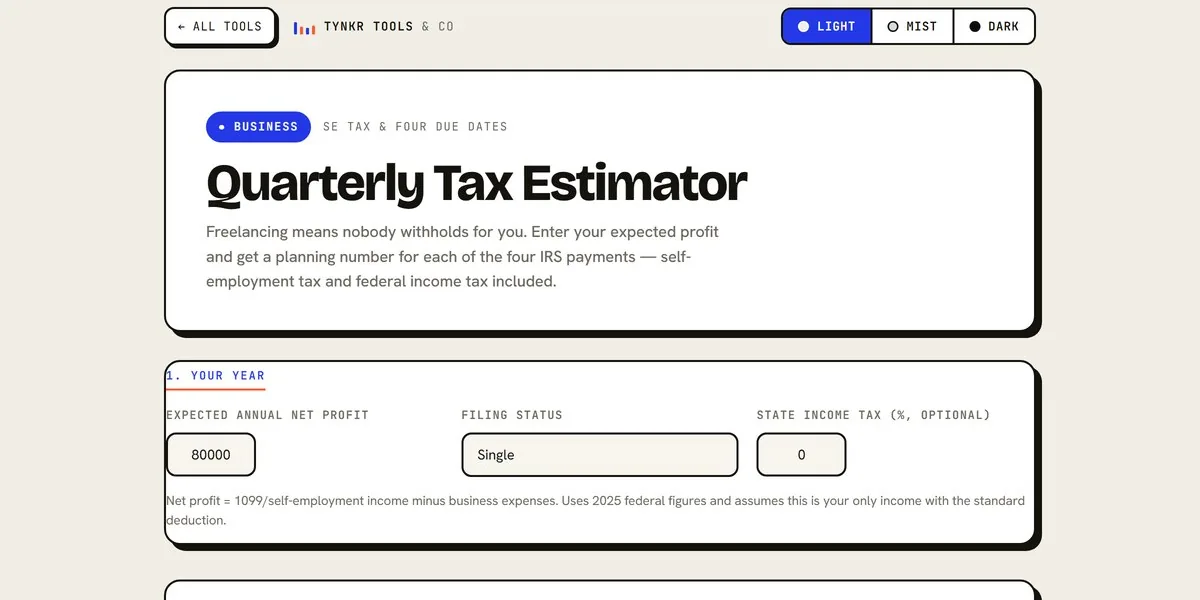
Freelancing means nobody withholds for you. Get a planning number for each of the four IRS payments — self-employment tax included.
Open the Tax Estimator →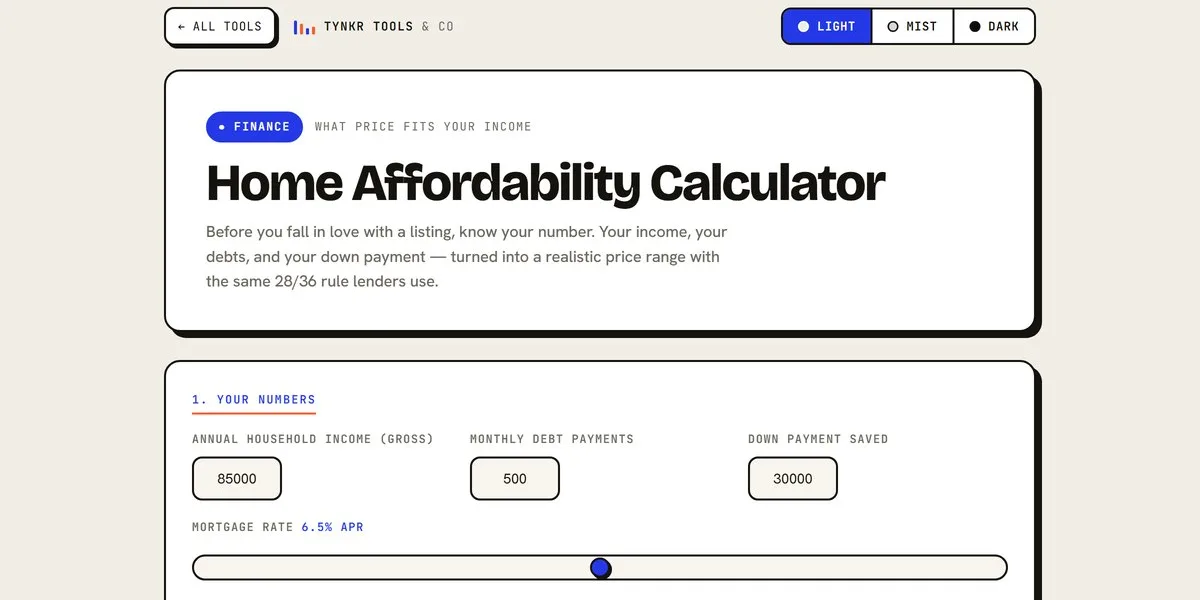
See how much house you can afford from your income, debts, and down payment — the 28/36 rule with conservative, standard, and stretch price ranges.
Open the Affordability Calculator →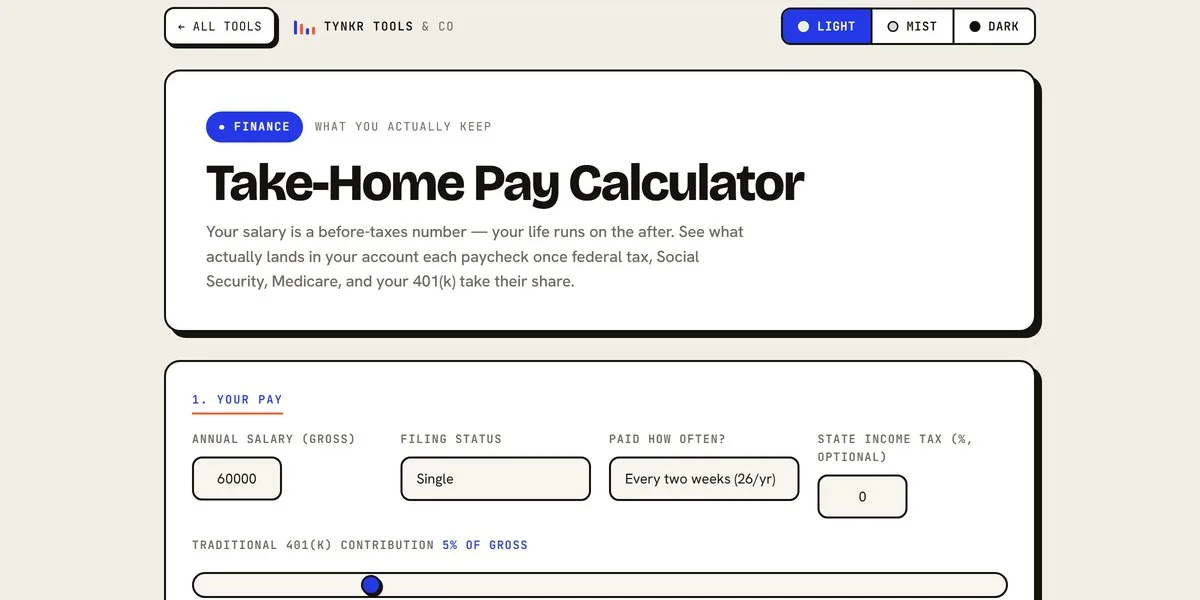
See what your salary actually pays after federal tax, Social Security, Medicare, and 401(k) — per paycheck and per month.
Open the Pay Calculator →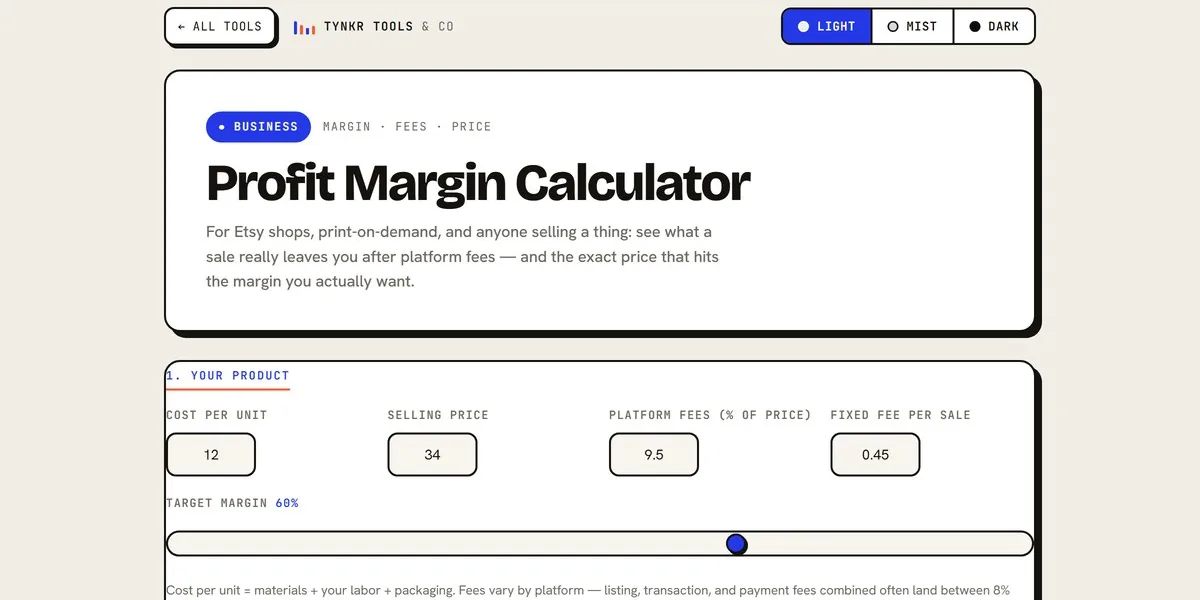
See what a sale really leaves you after platform fees — and the exact price that hits the margin you actually want.
Open the Margin Calculator →Every Lite template upgrades to its full version — and the five Creator OS templates bundle together as the Full Stack at a discount.
Browse All Templates →